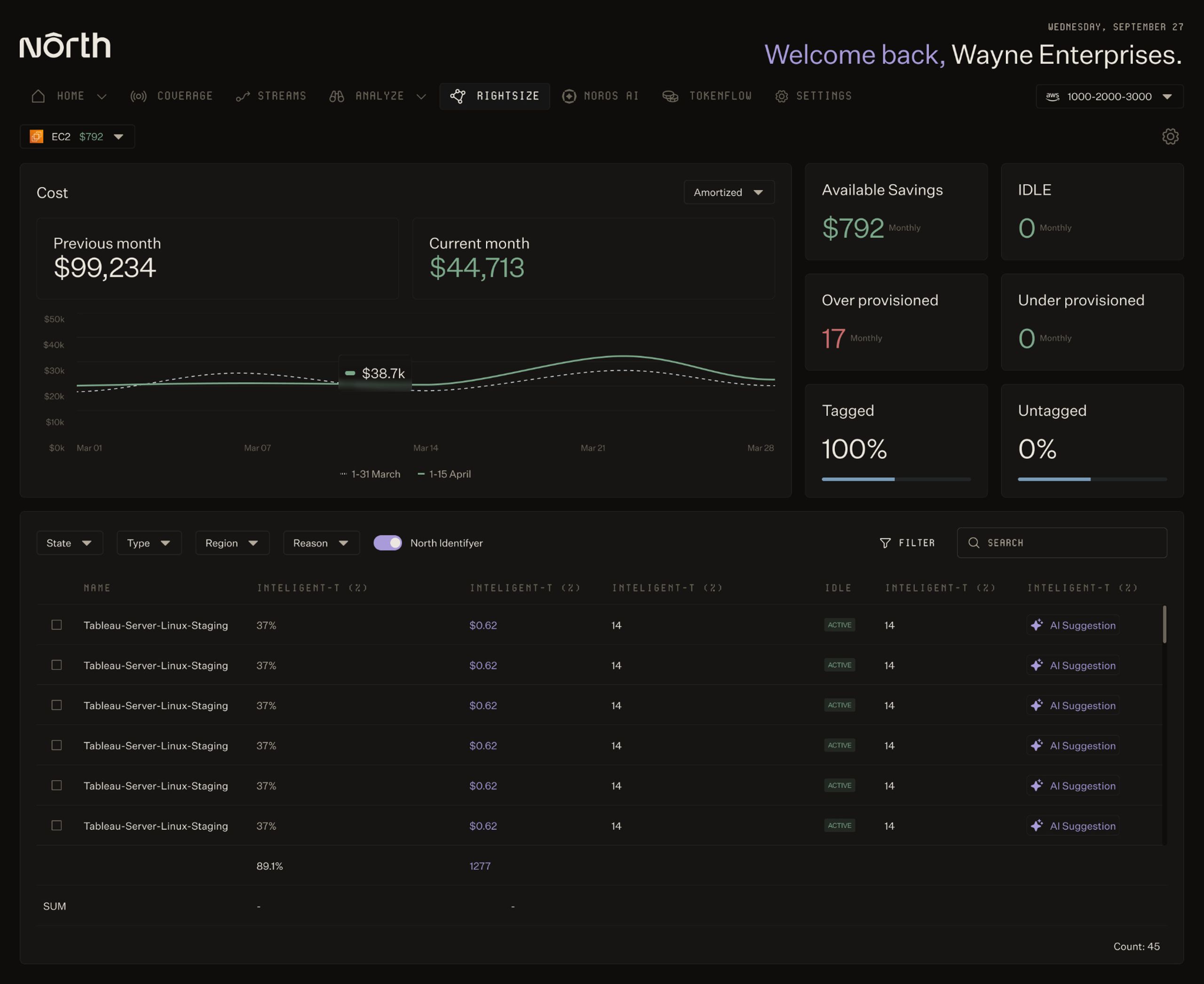
See the reasoning, savings, and migration complexity per recommendation.

You know you're overprovisioned, downsizing safely is the hard part.
Every team has idle headroom they're paying for. Cutting it means hours of analysis per workload, and one wrong call breaks production. So the savings sit there. North’s Rightsize does the analysis, shows its reasoning, and protects performance, so you can act on waste instead of avoiding it.
FT. 01
Usage
optimization
The savings you keep meaning to get to
01
01
10 to 15%
compute spend reduced (the waste you already know is there)
02
02
Zero
risky downsizing (every recommendation preserves performance and latency)
03
03
Minutes
not afternoons (skip the per-workload analysis)

The reason your rightsizing backlog never shrinks
Downsizing should be easy money. It isn't. Checking one metric misses memory pressure and traffic spikes, so a "safe" cut takes real cloudwatch analysis per workload. That work competes with shipping, loses, and the overprovisioned instances keep running. North’s Rightsize closes the gap between knowing you're overpaying and doing something about it.
0.01
Use Cases
Approve, don't re-derive
Act on a recommendation without second-guessing it
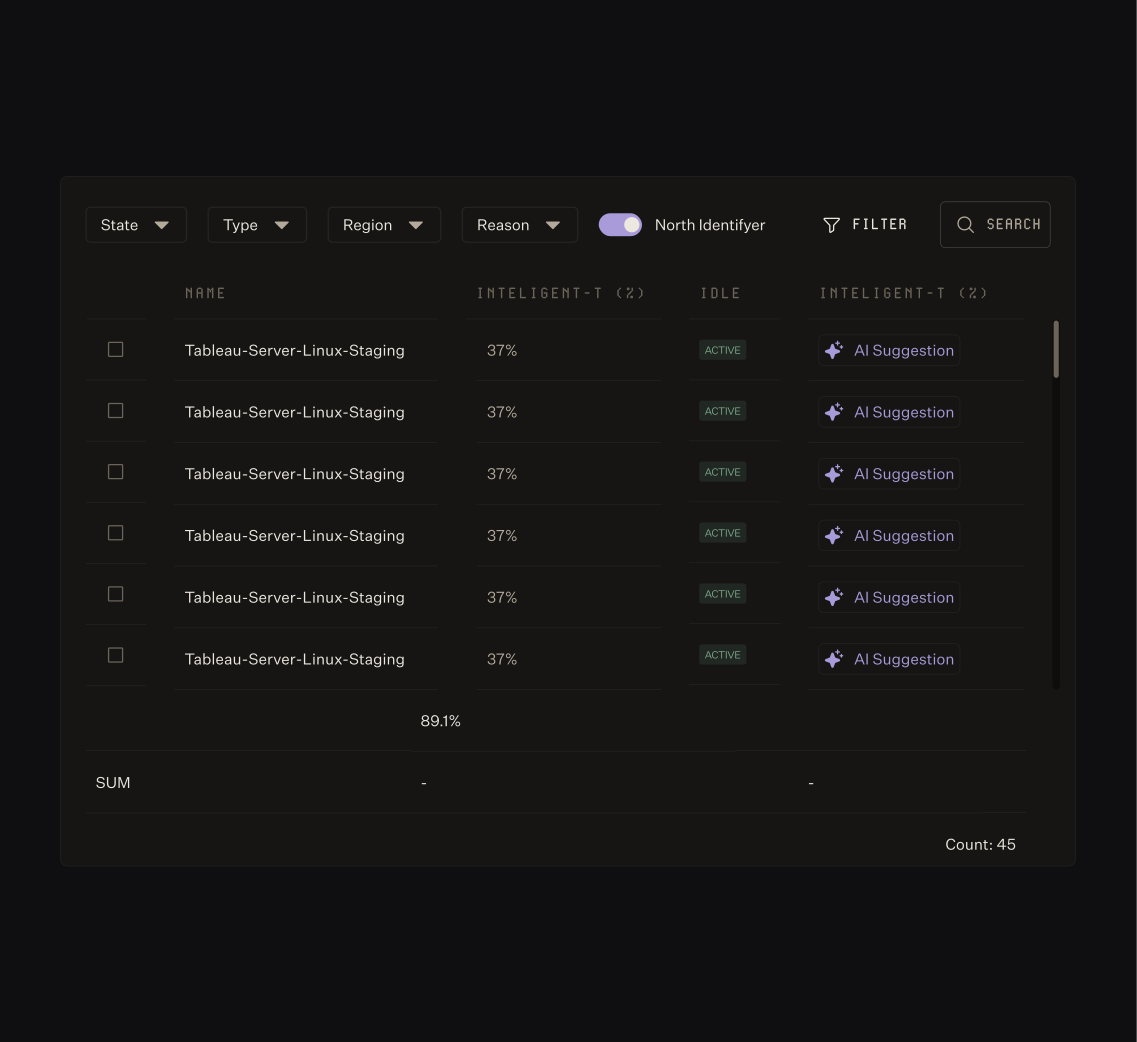
The reason teams ignore rightsizing alerts is they don't trust them. Rightsize shows current versus recommended config, the savings estimate, the migration effort, and the utilization data behind the call, so you can approve a change in seconds instead of re-deriving it yourself.
01
Full context
02
One place
Right-size EC2, ECS, EBS, Lambda, and Auto Scaling groups in one place.
03
Safe cleanup
Catch idle resources with safe removal guidance.
0.02
Use Cases
Optimize teams
Optimize prod and dev by different rules
The fear with rightsizing is treating a customer-facing service like a test box. Set how aggressively North optimizes per account and environment, with conservative defaults where uptime matters and headroom you control everywhere else.
01
Set by team
Apply different policies to production and development.
02
Your risk tolerance
Tune lookback periods and headroom thresholds to your risk tolerance.
03
Covers the peak
Set utilization percentile per workload, so near-peak demand stays covered.
0.03
Use Cases
Optimization that doesn't decay
Stop re-running the same analysis every quarter
Rightsizing decays. You optimize, usage shifts, and three months later you're overprovisioned again. Rightsize learns from every change you apply and retrains on the result, so optimization keeps pace with your infrastructure instead of resetting each quarter.
01
Gets sharper
Recommendations sharpen as North learns your workloads.
02
Full history
Every change is versioned and tracked by account and resource.
03
Proof, not estimate
Review realized savings over time, not just projection.
One surface, every team
For Engineering
Pull rightsizing candidates into a live view, share them to Jira or Slack, and downsize without risking latency or uptime.
For Finance
See projected savings and payback before a change ships, and track realized impact after. Calculate ROI automatically and report it with confidence.
For resellers
Run rightsizing across every client account, set optimization policy per client, and report realized savings without provisioning seats.
Their Savings Their Words

Just try it, it's easy to adopt and the value is immediate. You will regret not using it sooner.”
North took 5 minutes to setup and showed me we could save 40%. To this day, it's the fastest & clearest demo of ROI I have ever seen in business.”
The flexibility and ease of integration really stood out. If someone told me from the start it would be this easy to try, use, and save, I wouldn’t have believed them. But it is. And the savings are real.”

Rightsize your infrastructure, safely, starting today.
FAQs
Frequently asked questions about usage optimization.
How do you rightsize cloud resources without risk?
Checking one metric is usually where the risk comes from, a cut that looks safe on CPU alone can break on memory pressure or a traffic spike. North.cloud’s Rightsize shows the utilization data behind every recommendation, plus migration effort and a conservative default for production, so a change gets approved with the reasoning already checked rather than re-derived.
What's the difference between downsizing, right-typing, and removing resources?
These are the three forms rightsizing takes in practice. Downsizing moves a resource to a smaller size within the same instance family. Right-typing switches to a different family better matched to the workload. Removing decommissions a resource that no longer serves an active purpose. North's Rightsize applies all three, recommending whichever one fits the resource, with the reasoning shown alongside each one.
How do you identify underutilized cloud instances?
Identifying underutilized instances takes more than watching CPU, idle compute often hides behind normal-looking average usage with low peaks. North's Rightsize flags idle resources automatically, with safe removal guidance and the cost impact of leaving them running.
How much can automated rightsizing save on cloud spend?
Rightsizing savings typically come from compute that was sized for peak demand and never scaled back down, waste that's easy to spot but expensive to chase manually, one workload at a time. North.cloud's Rightsize surfaces that analysis automatically across EC2, EBS, ECS, Auto Scaling groups, Lambda, and Compute Engine, with recommendations that typically add up to 10 to 15% in compute savings once acted on.